
What's new on your Beekon.
Your Beekon keeps learning new tricks. Here's everything in the latest release — the short version first, the fine print below.
Team Spotlight
Pick your favorite team in MLB, MLS, NBA, or NFL and Beekon follows them: the next matchup, the live score while they play, and the final score after the game — all season-aware.
NFL, three ways
Live scores and matchups for the whole week, the standings and playoff picture with your team highlighted, and a rotating ticker of league headlines.
Richer live sports
All four sports scenes now show play-by-play detail in near real-time — and a little scoring banner lights up when someone scores.
Quicker to listen
Settings, routine, and configuration changes now take effect after the current scene finishes — no more waiting several scenes for Beekon to catch up.
Weather & more
Weather icons now know when the sun rises and sets, MLB standings got richer playoff iconography, and Canvas picked up some polish too.
Faster routines
Routine saves are quicker, and the “+ Add Beam” button is easier to find when you're building your lineup of scenes.
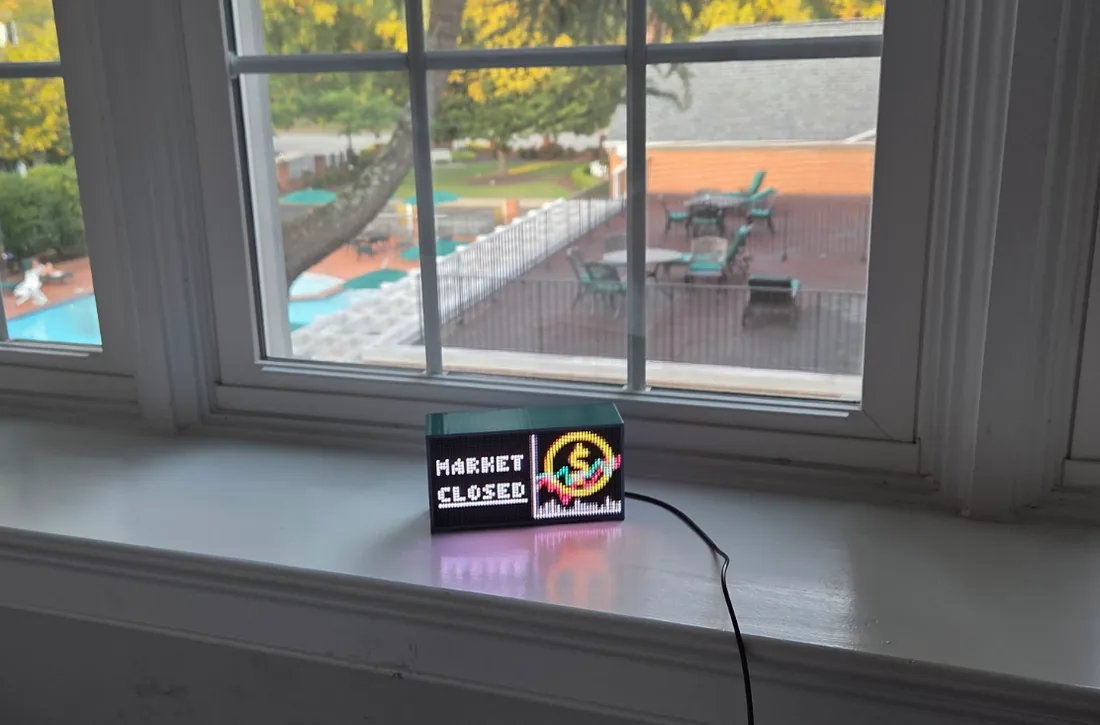
One light, many beams.
A beam is one scene in your Beekon's rotation — a clock, the weather, your team's score, or your own pixel art. Build a routine of beams in the web app and your Beekon plays them through the day.
This release adds four new sports beams and makes the whole rotation quicker on its feet.
Full release notes.
New scenes new
Four separate beams, one for each supported league, that spotlight your selected team rather than league-wide information. No live game? The beam shows your team's next scheduled matchup. Game on? You get that league's near real-time live scoring display so you can follow your team's progress. After a final, the final score stays up until 12 PM the day after game day, then the beam returns to the upcoming matchup. Spotlights are season-aware, too.
The whole NFL week on your light: from Tuesday at 7 AM to the following Tuesday at 12 PM, this beam shows the upcoming schedule, bye teams, live scores, and results for the current week. Live games update in near real-time with score, game clock, down and distance, yardage marker, possession, and scoring banners.
The current standings and playoff picture, with a customizable favorite-team highlight. Teams that clinch their division get a red “X”; teams that clinch a wild card get a red “Y.”
The latest league headlines from multiple news sources. Three headlines scroll ticker-style across the display, cycling several times so you can catch your favorite — and the sources and headlines rotate on each appearance to stay fresh.
Live Sports Feed improved
Pitch count, innings, outs, base runners, and scoring updates in near real-time. The scoring banner shows runs scored and the play type — single, double, triple, home run, sac fly, error, and more.
Game clock, ball placement and direction, red-zone status, down and distance, possession, and scoring updates in near real-time. The scoring banner calls out safeties, field goals, and touchdowns.
Game clock and scoring updates in near real-time, with goals celebrated in the scoring banner.
Game clock and scoring updates in near real-time.
Everything else improved
Faster execution when saving Routines, and a more prominent “+ Add Beam” button.
The device now applies settings, routine, and configuration changes right after the current scene completes. Previously, changes could wait until the completion of up to every fourth scene.
UX improvements, including bug fixes and sunrise/sunset-aware icon display.
UX improvements, including richer playoff-picture iconography.
UX improvements.
On the roadmap coming up
Your fantasy lineup, on your light.
The day ahead, at a glance.
All of this, in one little light.
$149 one-time · free shipping · 30-day home trial · no subscriptions